



Meet Paver
The expert AI agent for IBM Infrastructure operations




Turn insight into action
Paver combines IBM's infrastructure expertise, your environment's context, and built-in safeguards to help you securely move from investigation to execution.
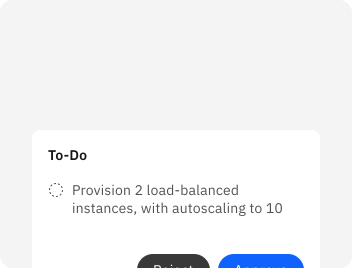
Make infrastructure changes
Provision and configure new environments, or update and maintain existing infrastructure.
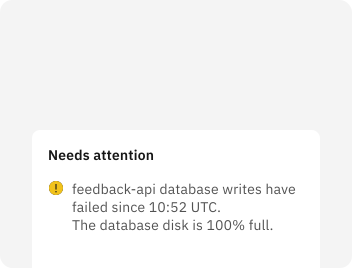
Investigate and resolve issues
Investigate incidents and performance issues across your logs, metrics, configuration, and recent change data.
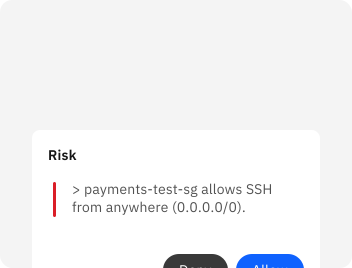
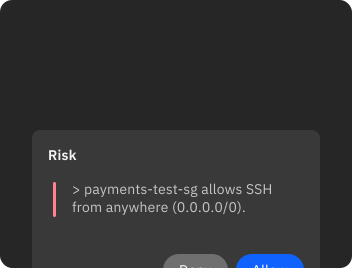
Identify and remediate risks
Identify security risks in your access controls, permissions, and configuration. Generate and review proposed fixes.
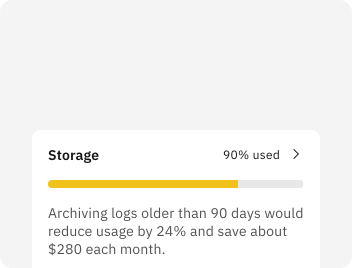
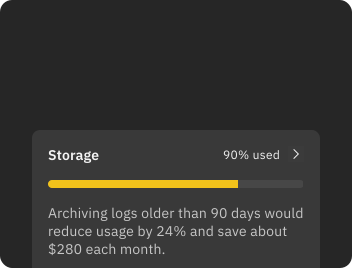
Optimize infrastructure usage
Investigate spend, utilization, and capacity to find waste and inefficiencies. Optimize your cost, performance, and reliability.
Make Paver work your way
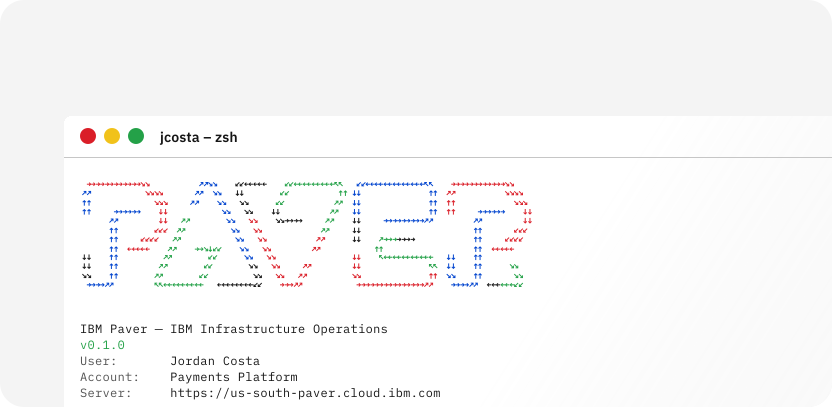
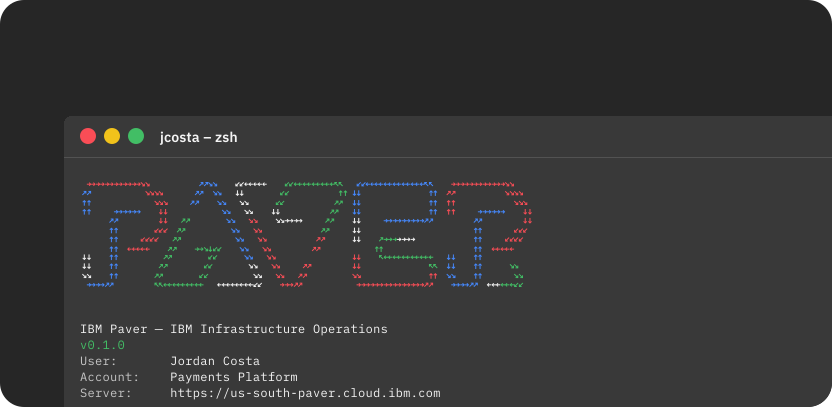
CLI & Web Interface
Paver works where you work
Use the Paver CLI in your development workflow, or chat and explore in the graphical interface. Open a shell in either to run commands or inspect the environment directly.
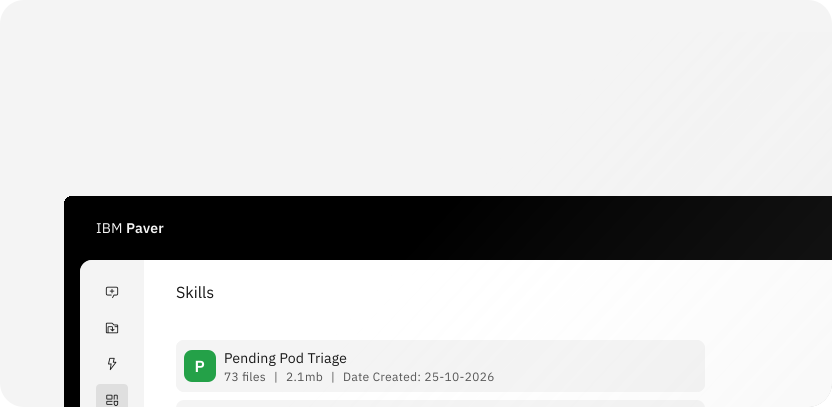
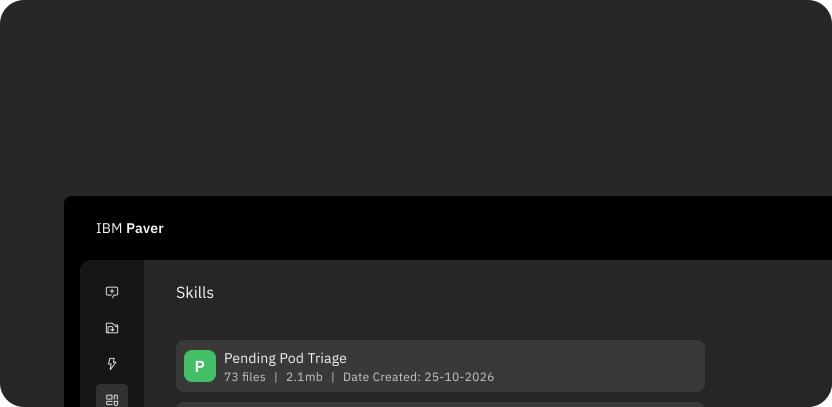
Skills
Extend Paver with your domain knowledge.
Customize how Paver approaches tasks using your team's best practices, or extend Paver's built-in capabilities.
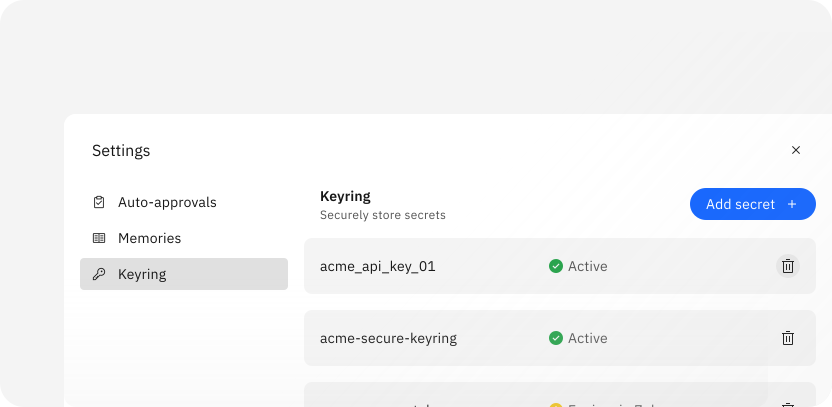
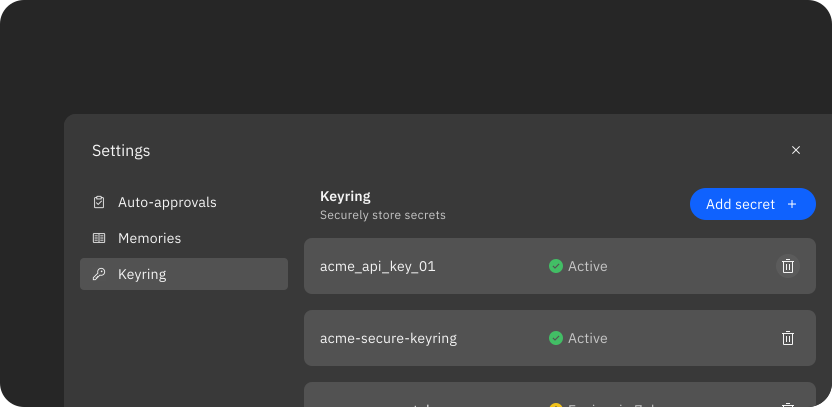
Keyring
Connect Paver to the tools you use.
Securely store the credentials Paver needs to work with your services and tools, with per-user storage and encryption at rest.
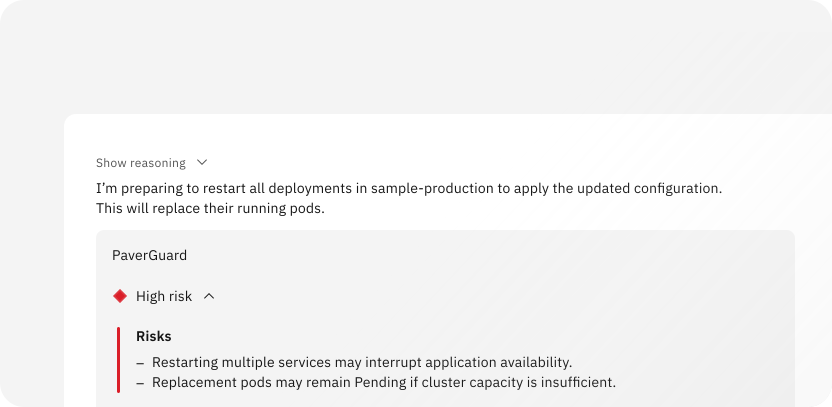
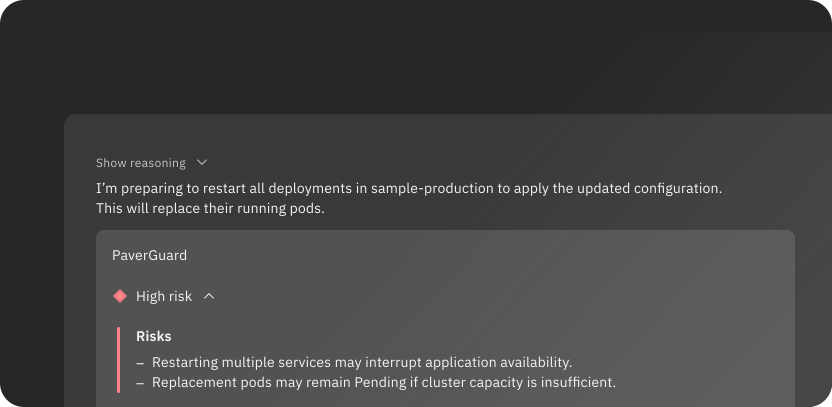
Paver Guard
Review risk before action.
A separate review agent assesses Paver's proposed operational actions, providing a risk score, explanation, and recommendation before execution.
Take action with confidence
Learn about Paver’s security safeguards and controls, and how to configure and use it securely in your environment.
All data in transit between the client and service is encrypted using TLS.
Paver works within your existing permissions and cannot exceed your access.
Operational actions are independently reviewed and assessed for safety.
Your prompts, context, and operational data are not used to train foundation models.
Built into IBM Infrastructure
Capabilities and availability vary by offering. See the documentation for your offering to learn more.
IBM Cloud
Use Paver in the IBM Cloud console or CLI to plan deployments, investigate issues, and manage cloud resources.
Learn moreIBM Power
Use Paver within IBM Power Autonomous Operations to investigate issues, manage resources, and optimize capacity across on-premises Power systems and IBM Power Virtual Server.
Learn moreIBM Z
IBM watsonx Assistant for Z with IBM Paver simplifies mainframe operations by bringing generative and agentic AI capabilities directly into IBM Z environments.
Learn more